

Business Process Automation: What to Automate and Where to Start
Business process automation: how to map processes, choose priorities, connect CRM, messengers, spreadsheets and AI agents.

Article author
Alexander Chigrinov
Founder of «CHIGRINOV». Works on business automation, implements AI into business processes and oversees solution development by the team.
Message in Telegram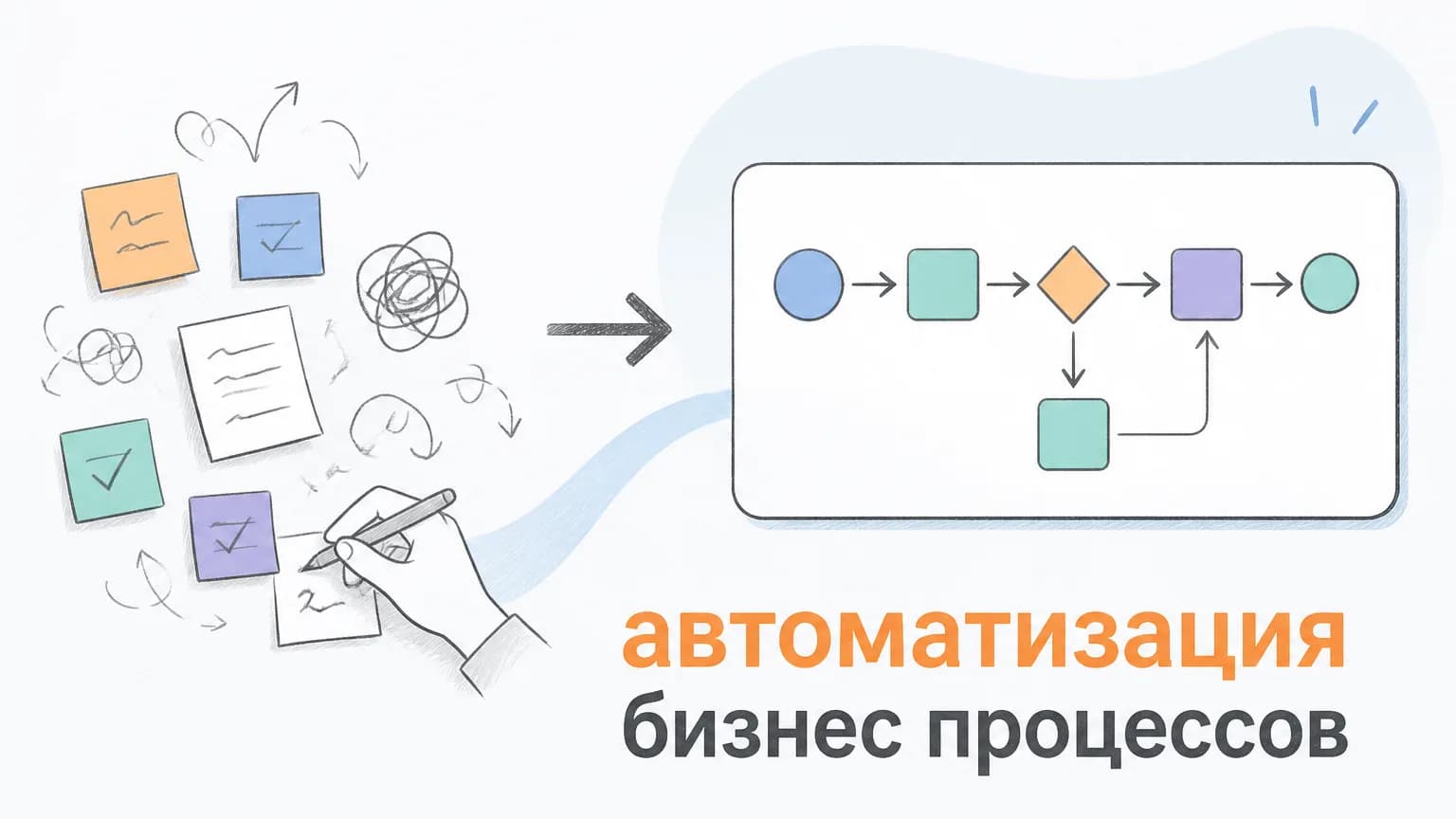
Business Process Automation: What to Automate and Where to Start is not about adding technology for the sake of technology. For an owner or department head, the real goal is to remove repetitive work, reduce delays, make processes visible and give the team more time for tasks that require judgment.
This article explains where to start, which scenarios usually pay back first, what mistakes to avoid and how to evaluate whether automation or AI implementation makes sense for your company.
What can be automated first
The best candidates are processes that repeat often, follow clear rules and affect revenue, speed or customer experience. Typical examples are incoming lead processing, CRM updates, manager tasks, client reminders, reporting, document generation, support tickets and internal approvals.
- Lead handling: collect requests from website, Telegram, WhatsApp and forms into CRM.
- Routine communication: send reminders, follow-ups and status updates automatically.
- Reporting: collect data from CRM, banks, spreadsheets and dashboards.
- AI assistance: classify messages, summarize context, prepare answers and escalate complex cases.
How to choose the first scenario
Do not start with the tool. Start with the process: who initiates the action, what data is required, what rules are used, where the result should be stored and what would count as an error.
- List 5-10 repetitive processes.
- Estimate monthly time spent by employees.
- Mark where mistakes or delays cost money.
- Choose one scenario for an MVP.
- Define 2-3 metrics before launch.
Implementation economics
The simplest calculation is: number of operations per month × average minutes per operation × employee hourly cost. Then add hidden losses: missed leads, late replies, repeated work, manual reporting errors and management time spent clarifying statuses.
Common mistakes
The biggest mistake is automating a broken process as-is. If the workflow is unclear, automation will only make mistakes faster. Another mistake is building a large system before testing a small MVP. Start with one measurable process, then expand.
What a safe rollout looks like
A good rollout includes process audit, architecture, data rules, CRM or messenger integration, logging, access rights, testing on real cases and team training. AI should have clear boundaries and escalate uncertain cases to a human.
FAQ
Do we always need AI?
No. If a task is fully rule-based, a simple integration or no-code workflow may be enough. AI is useful when there is free text, dialogue, classification, summarization or context-based decision-making.
How long does the first launch take?
A small MVP usually takes 2-4 weeks. More complex systems with CRM, permissions, analytics and several channels can take 6-10 weeks.
How do we measure success?
Measure response speed, manual hours saved, error reduction, lead conversion, report preparation time and cost per operation before and after launch.
Choose your first automation scenarios: we can review your current process, identify the first automation scenarios and estimate the potential effect.
We help implement automation and AI into business processes
In a short audit, we review your task, identify first scenarios and estimate where automation can produce measurable value.
We reply within 2 hours
Need automation? Get a free audit
We'll analyze your processes, find automation opportunities and estimate ROI — in 24 hours, no commitment.